


About Drupal Coder
Coder checks Drupal code against Drupal coding standards and other best practices. It can also fix coding standard violations for you with the phpcs and phpcbf command from PHP_CodeSniffer
Installing and setup Drupal coder
Here’s a step-by-step guide:
Follow the steps below to install coder
- Open a Terminal window
- Go to home directory
Cd ~ - Clone the latest code version using git
git clone –branch 8.x-2.x
cd coder
- Install dependencies using composer
composer install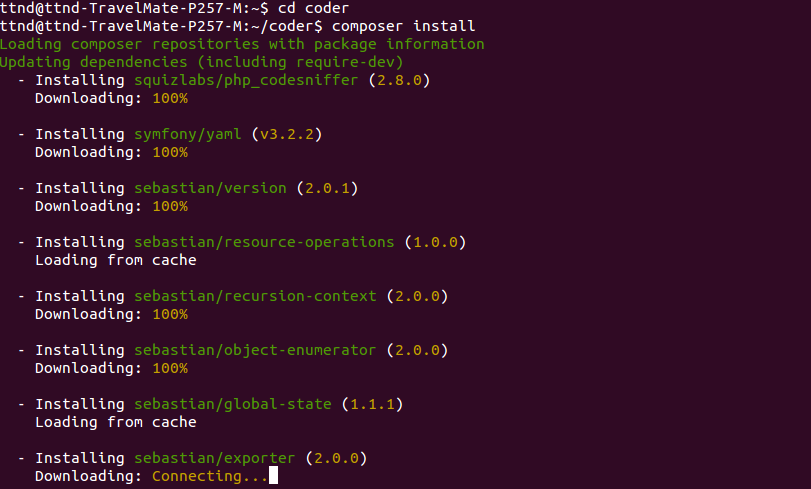
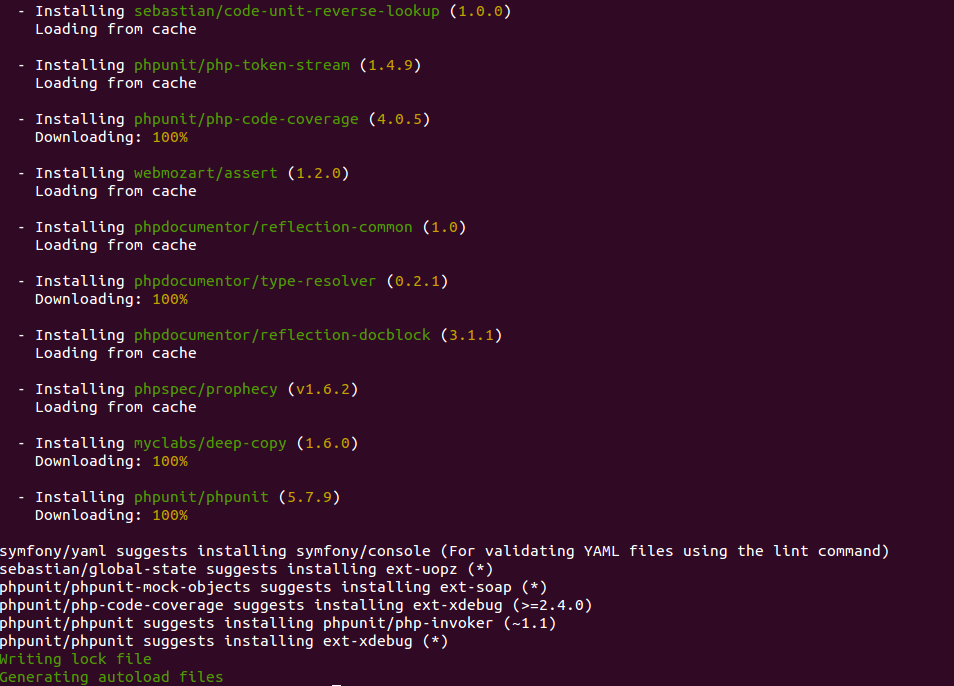
- Create a symlink for the phpcs and phpcbf command
sudo ln -s ~/coder/vendor/bin/phpcs /usr/bin/phpcs
sudo ln -s ~/coder/vendor/bin/phpcbf /usr/bin/phpcf
- Register the Drupal and Drupal Practice Standard with PHPCS
phpcs –config-set installed_paths ~/coder/coder_sniffer
How to use
- To check the file for coding standard
phpcs –standard=DrupalPractice </path/to/example.module> - To check the complete directory recursively for coding standards
phpcs –standard=DrupalPractice <path to directory>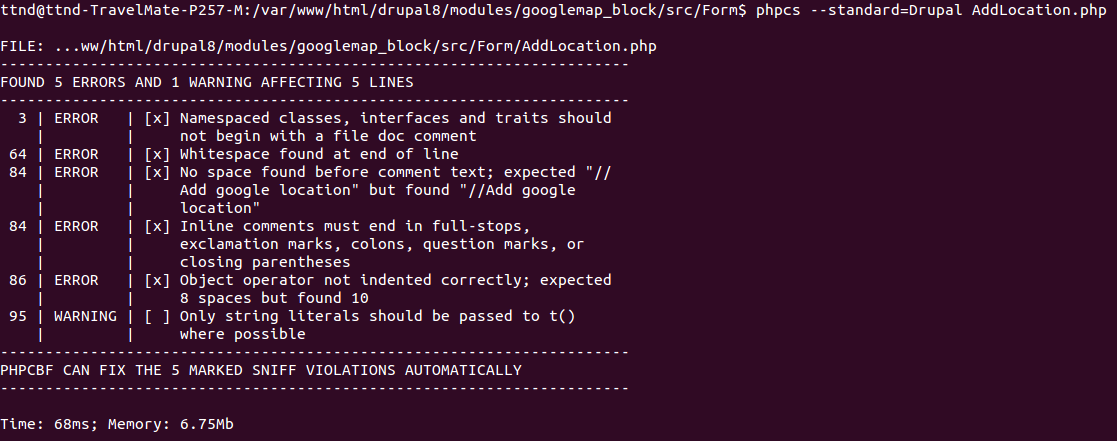
Some issue could be resolved automatically by phpcbf
- To fix error in file
phpcbf –standard=Drupal <path to file with file name> - To fix error in the complete directory
phpcbf –standard=Drupal <path to directory>
The site contains a very great blog. the information present in this site will be very useful for us. thank you for sharing the blog with us.
nice blog too informative. looking and reading your points its so impressive. doing more blog like this. i really appreciated doing like this.